A private place to write your novel.
Free, works offline, and needs no account. Your writing is saved on your own device and never uploaded anywhere.
Works on phones, tablets and computers. Nothing to download from an app store.
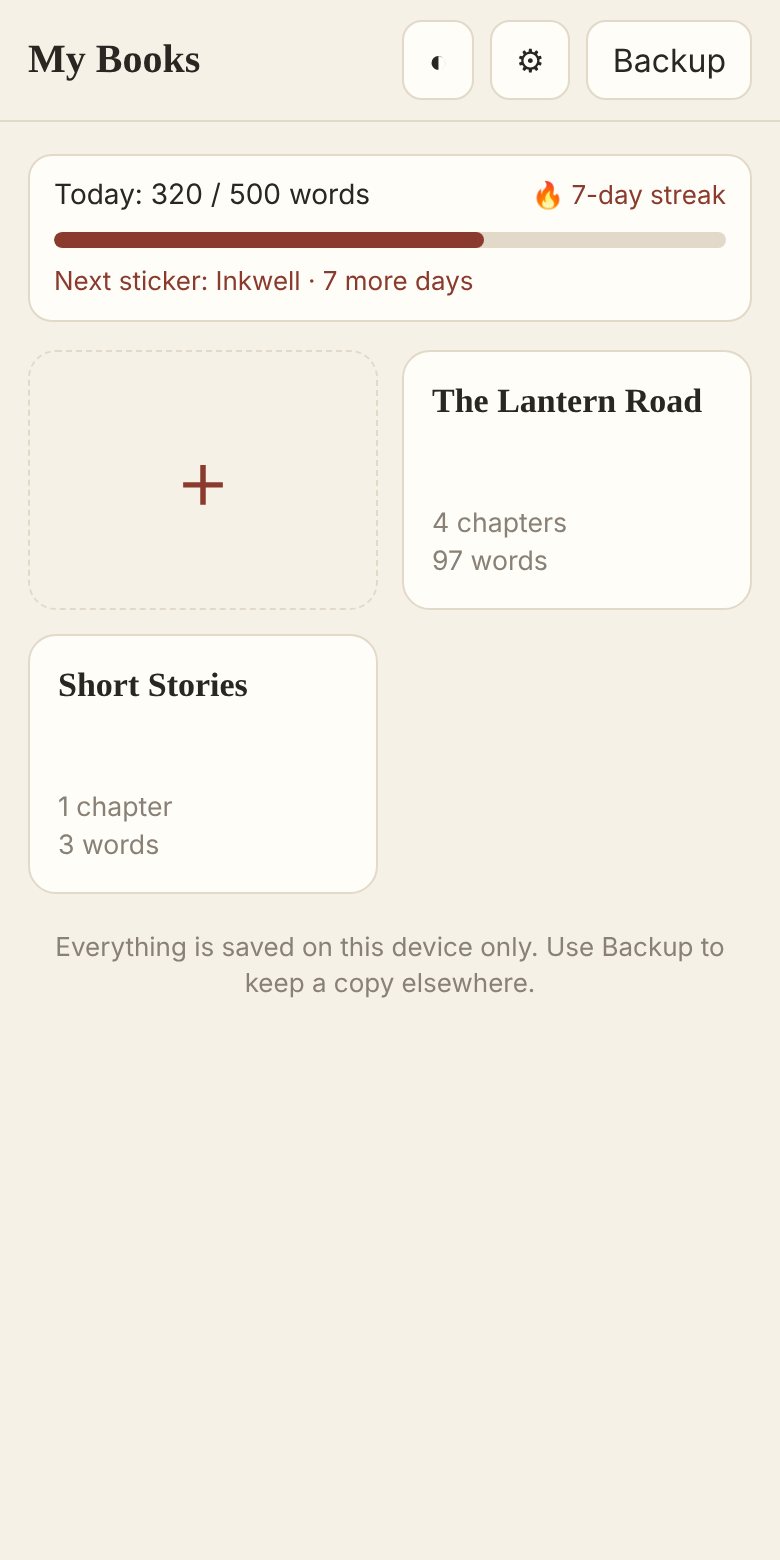
Everything a novel needs, nothing it doesn't
Built for writers who want to write, with no accounts, no sync, and no editor that loses your work.
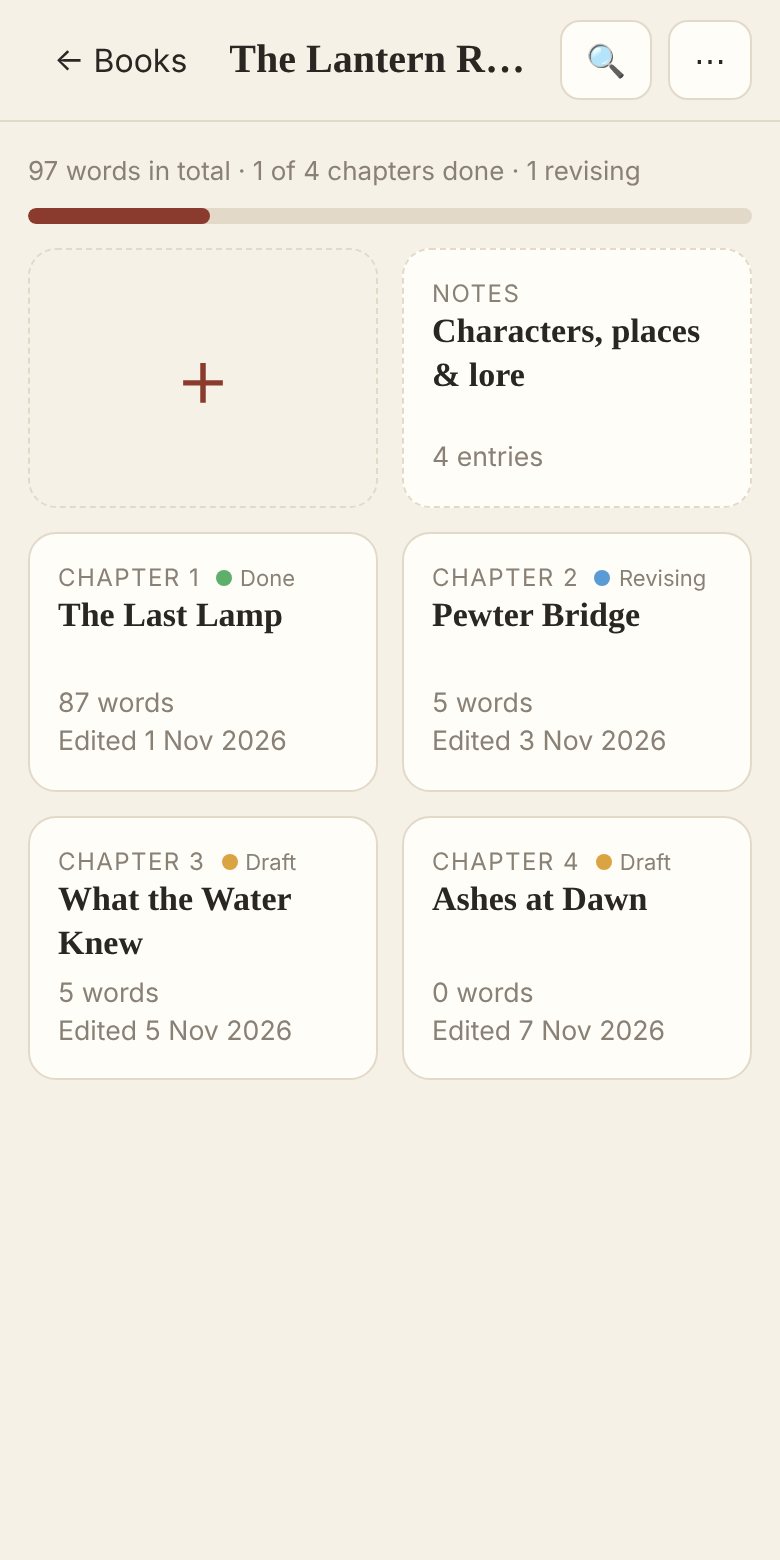
Books and chapters
Keep every book in one place. Chapters save as you type, so there is no save button to forget.
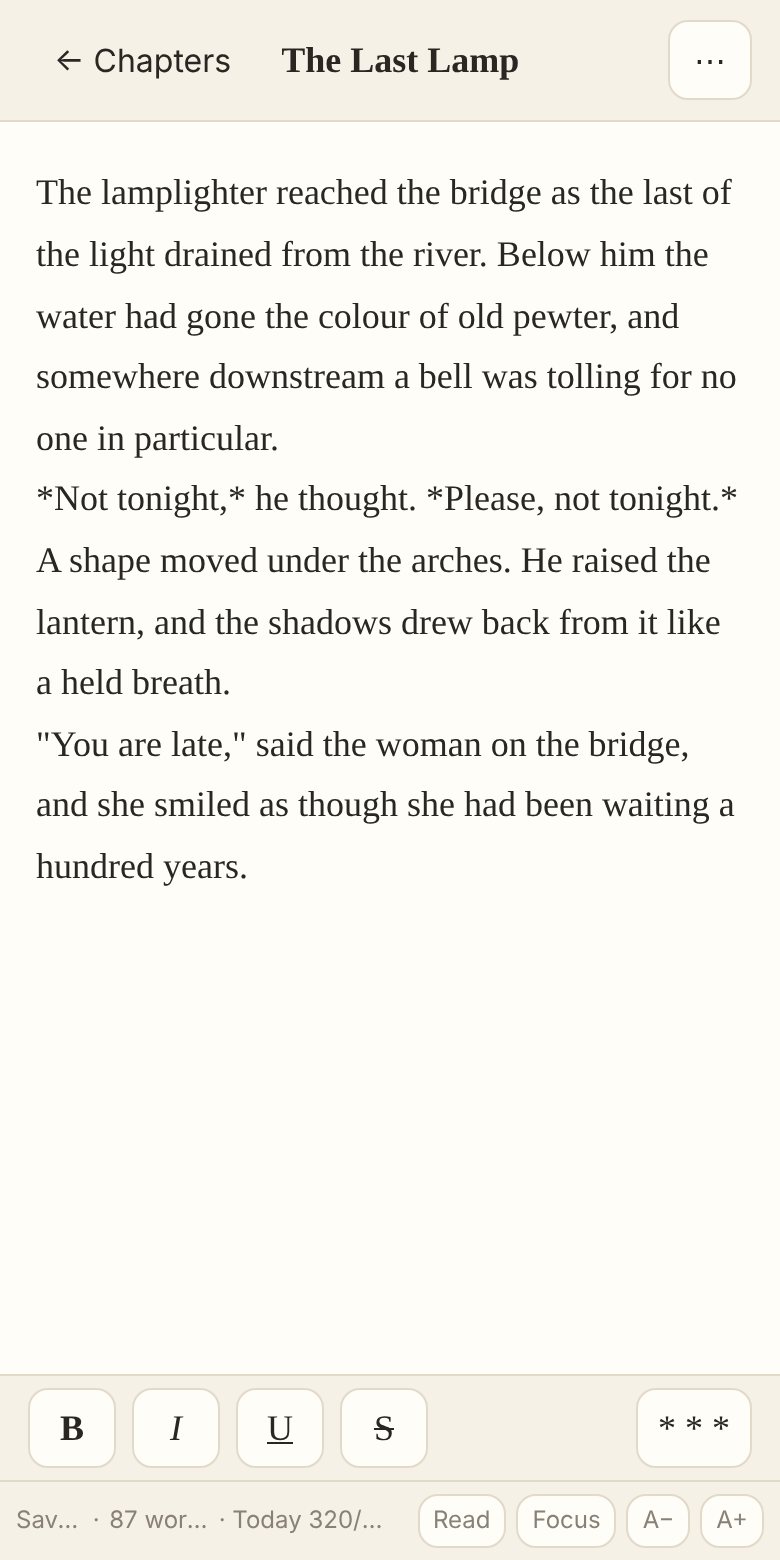
Bold, italics, scene breaks
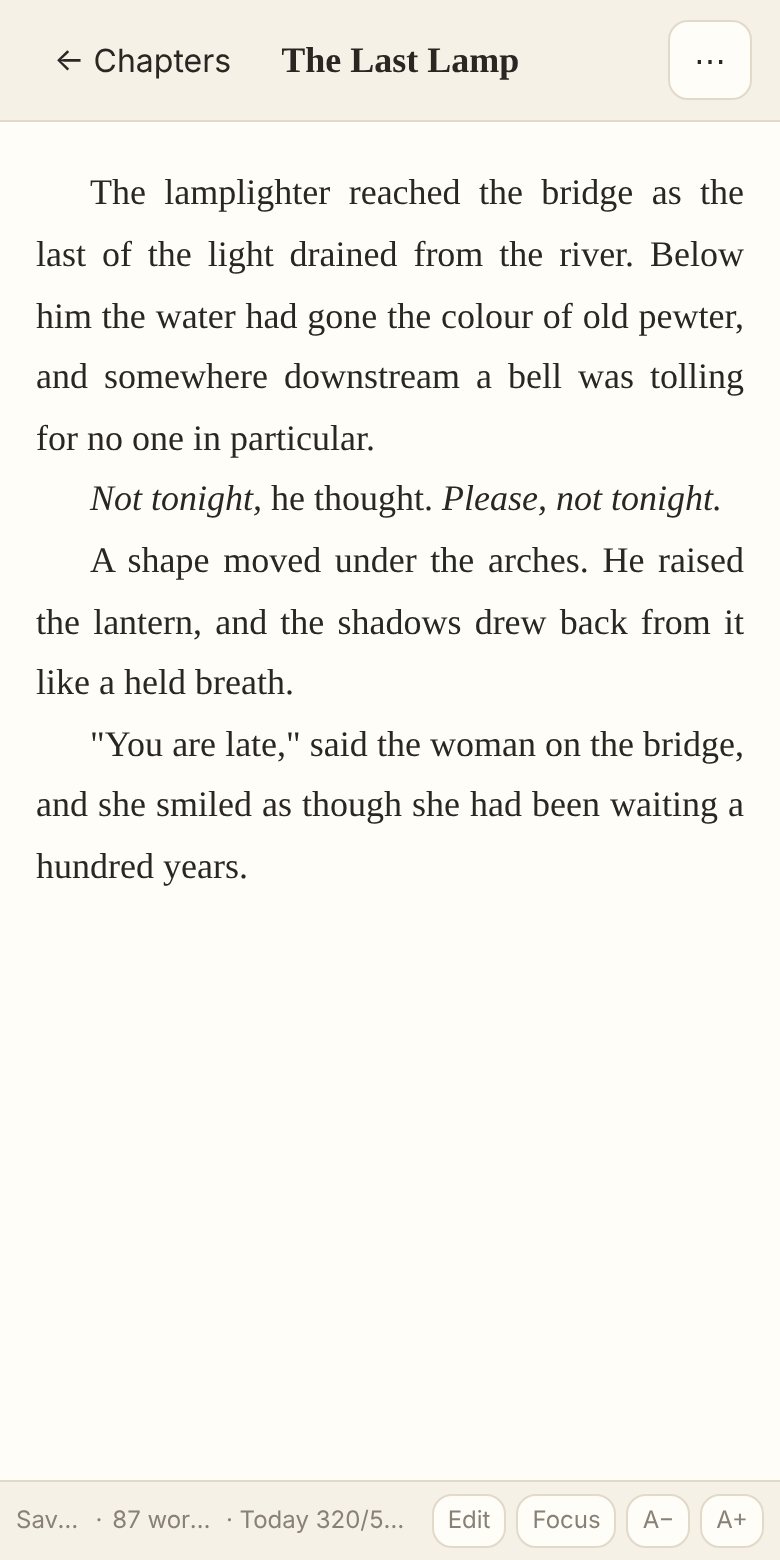
Mark inner thoughts in italics, then tap Read to see the page as it will look.
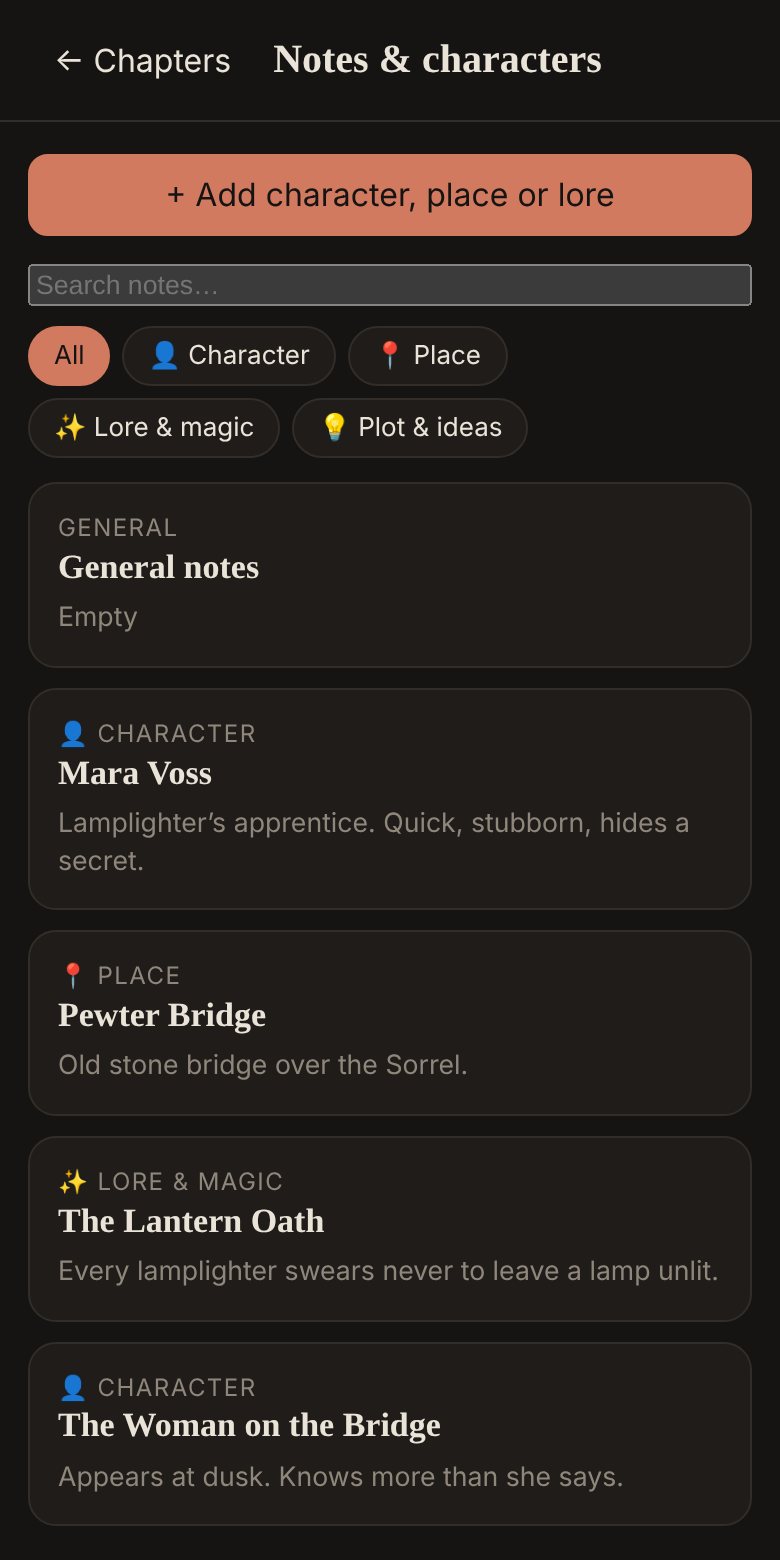
Characters, places and lore
A story bible for each book, and a quick look while you write so you never lose your place.
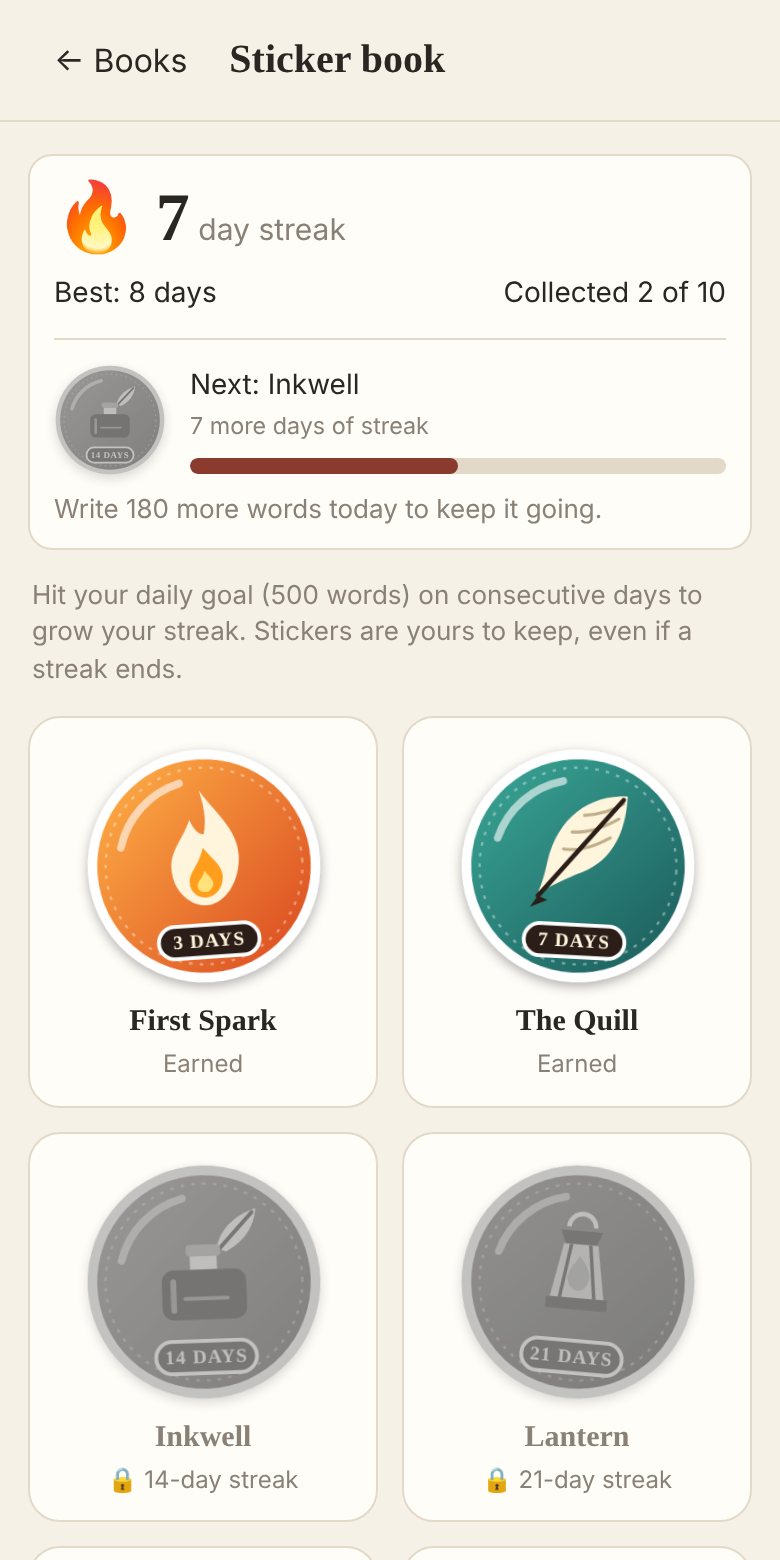
Goals and streak stickers
Set a daily word goal, build a streak and collect stickers as you hit milestones.
Chapter status
Mark chapters Draft, Revising or Done and see how far through the book you are.
Safety nets
Version history for every chapter, 30 days of recently deleted, and backup reminders.
Import and export
Bring in Word, .txt or .md files. Export a whole book as PDF, Word, epub, html, markdown or text.
Light and dark
Easy on the eyes at midnight, with a focus mode that hides everything but the page.
Take a look
Your writing stays yours
PeannKit has no accounts and no servers that store your work. Everything lives in your own browser storage.
- Nothing you write is uploaded, tracked or read by anyone.
- Once installed it works with no internet connection.
- Because nothing is online, the copy on your phone and the copy on your computer are separate. Use Backup to save a file and Restore to move it between devices.
- Please back up now and then. Clearing your browser's site data would remove your writing, and the app will remind you.
Install it in a minute
Open PeannKit, then add it to your home screen or desktop so it opens like any other app.
Android (Chrome)
Open the menu (⋮) and choose Install app or Add to Home screen.
iPhone and iPad (Safari)
Tap the Share button, then Add to Home Screen.
Windows, Mac and Linux
In Chrome or Edge, click the install icon at the right of the address bar.
Questions
Is it really free?
Yes. There are no accounts, subscriptions or adverts.
Will my writing sync between my phone and computer?
No, and that is deliberate, since nothing is stored online. Use Backup on one device and Restore on the other to move your work.
Can I bring my existing manuscript in?
Yes. Save or download it as a Word (.docx) file, or use .txt or .md, then choose Backup → Import a manuscript. Chapters are found from your headings, and bold and italics carry over.
What if something goes wrong?
Open ⚙ → Send feedback inside the app and pick Bug, Problem, Feature request or Comment.